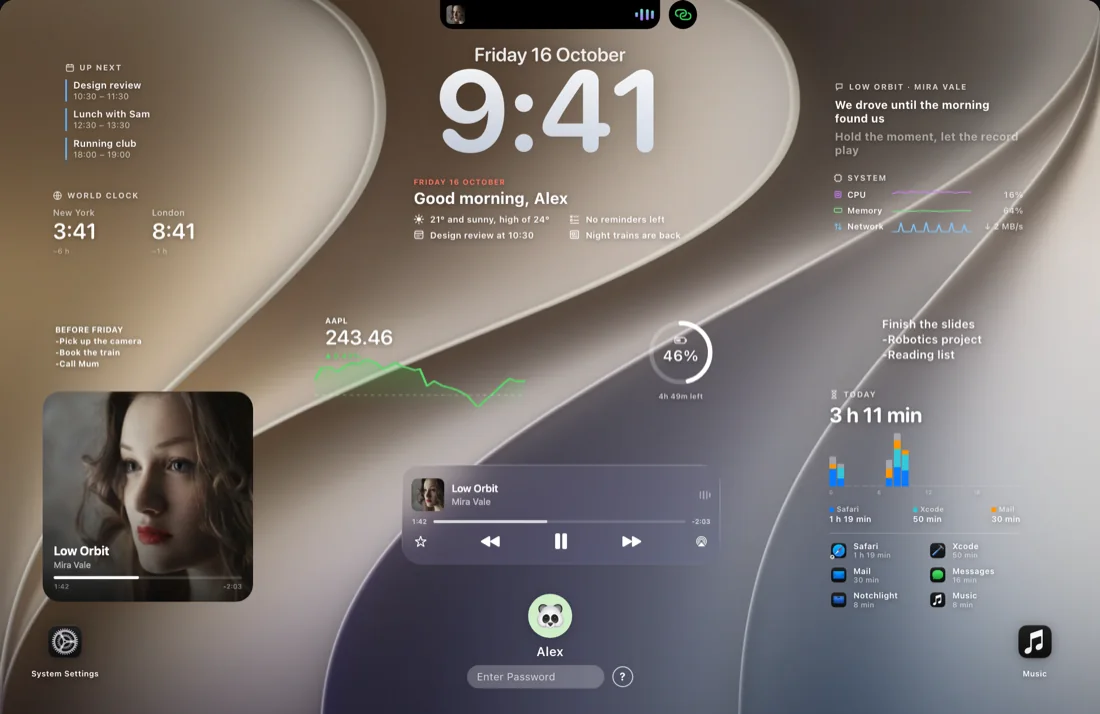
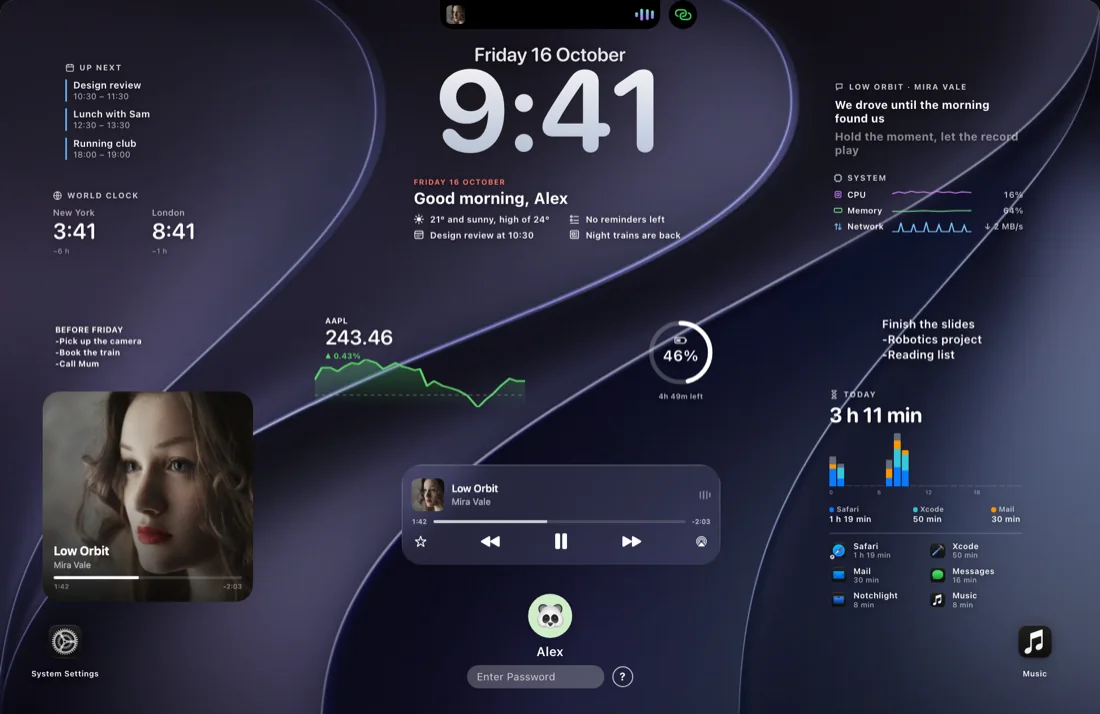
01
Lock your Mac
Press ⌃ ⌘ Q. Your widgets are on the lock screen, ready before you sign in.
The file is on its way. Here's what happens the first time you open it.
Notchlight is a Mac app. Open this page on your Mac to download it.
If nothing happens in a few seconds, use the link below.
Download againRequires macOS Sequoia or later. Signed and notarized by Apple.
macOS checks a new app the first time you open it, and asks you to confirm once.
Open Notchlight.dmg and drag Notchlight into your Applications folder.
Open Notchlight from Applications. The Setup Guide shows you the permissions each widget uses.
When macOS says it was downloaded from the internet, click Open.
Press ⌃ ⌘ Q. Your widgets are on the lock screen, ready before you sign in.
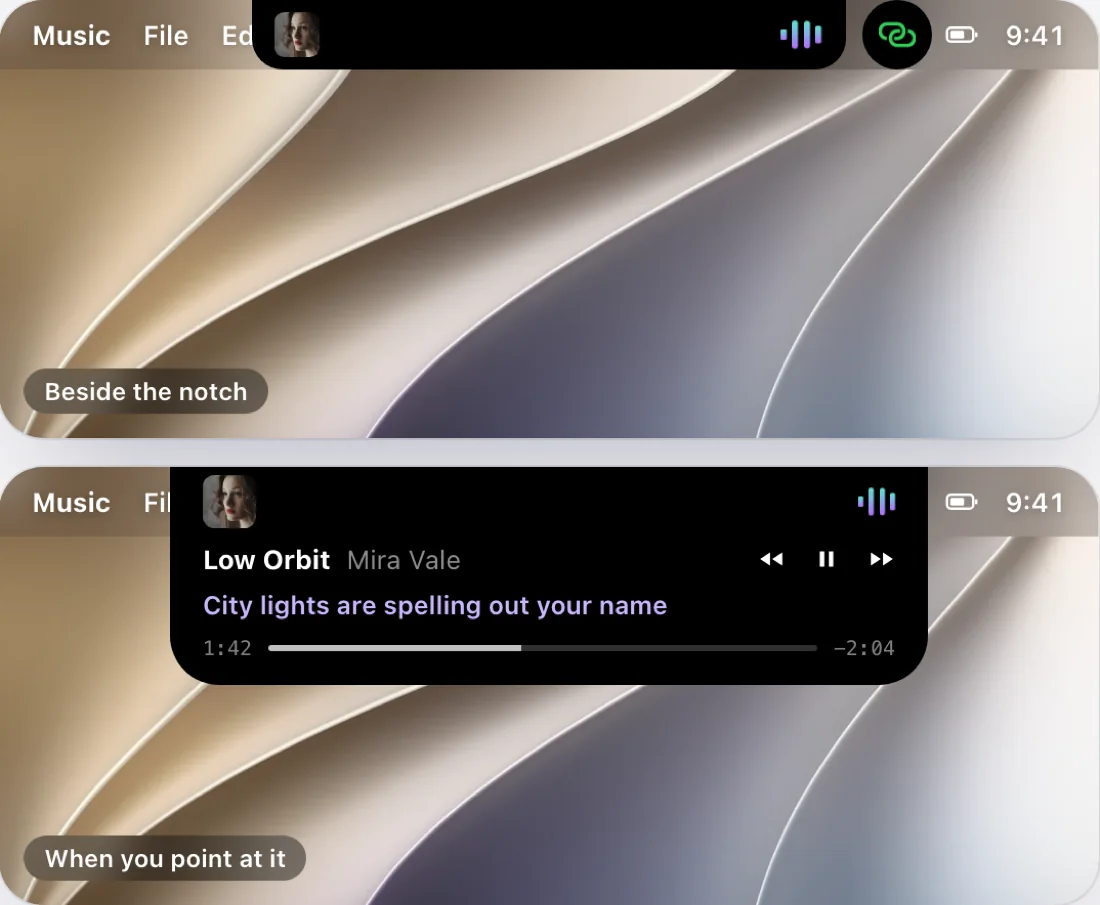
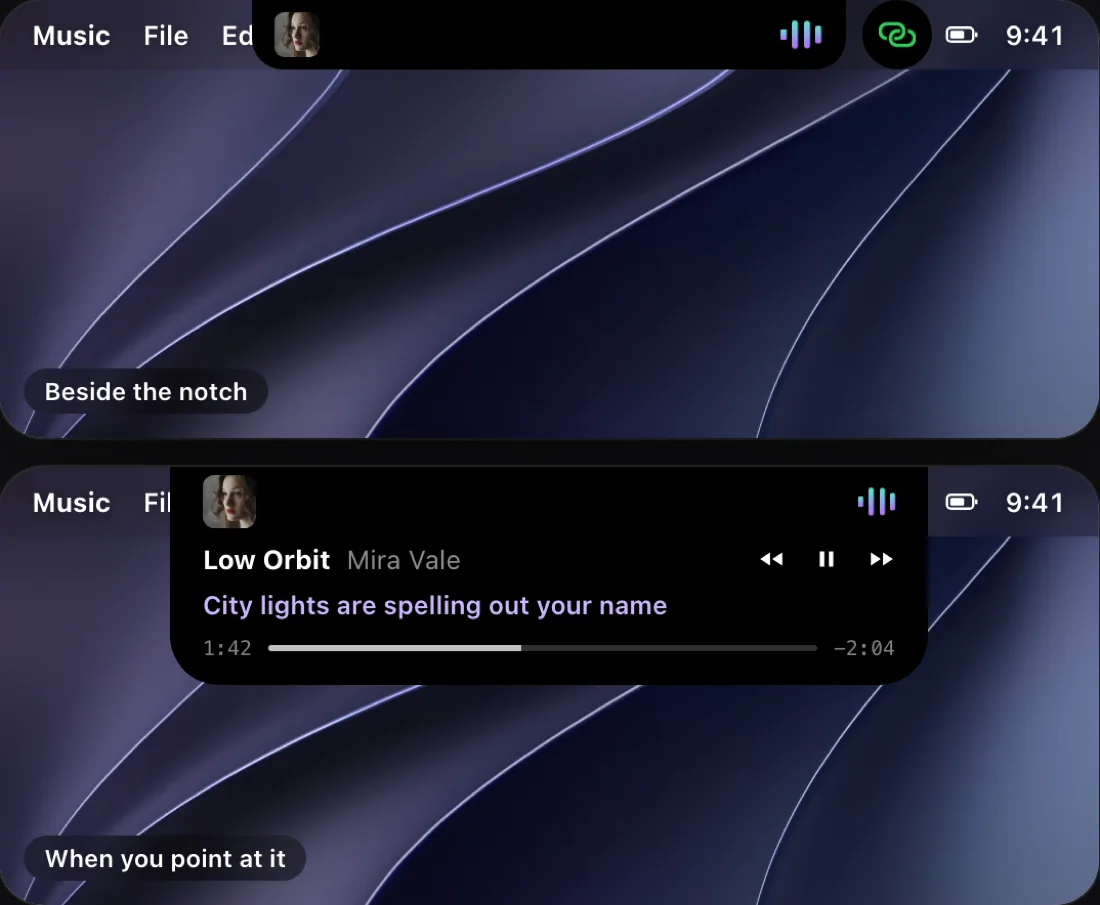
The island opens with the song, its synced lyrics and controls. Calls, trips and notifications show up there too.
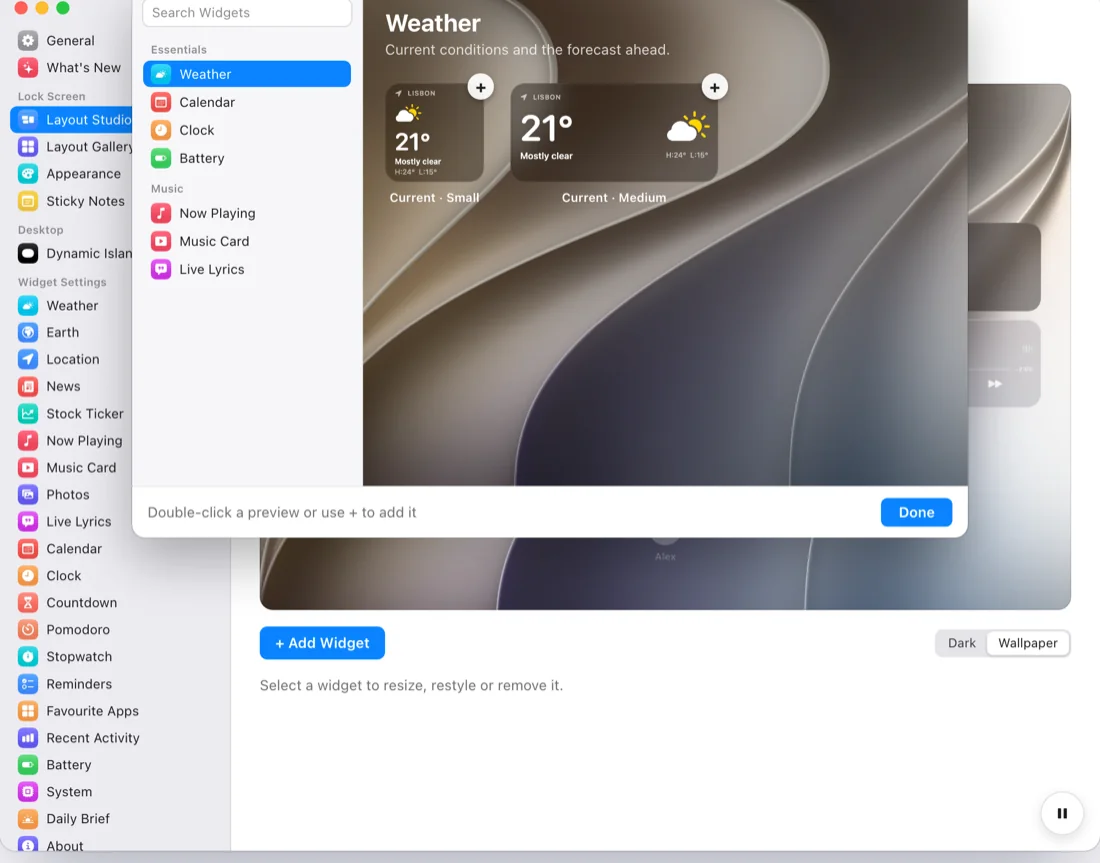
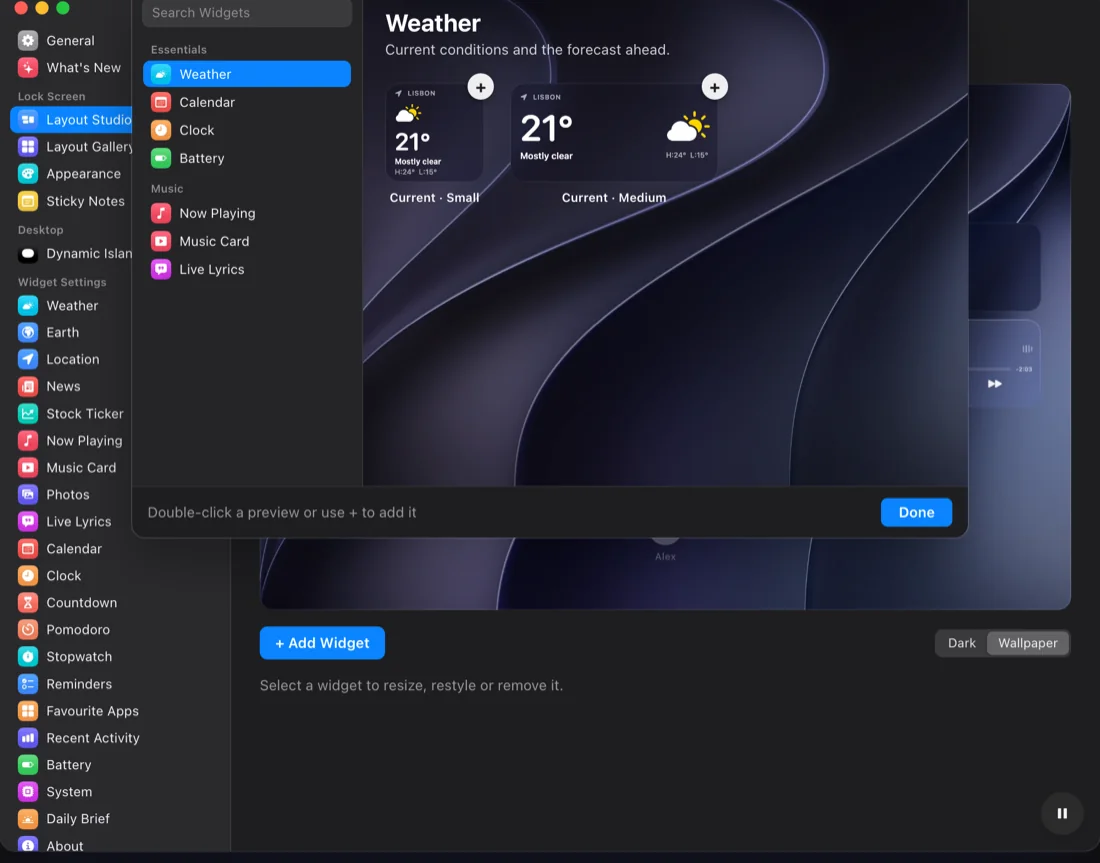
Open Layout Studio from the menu bar and drag any of the 21 widgets anywhere, in any size and style.

Pick the photos for the Photos widget, a satellite map for Location, and a card style that suits your wallpaper.
Every feature is included. After the trial, buy Notchlight once for $14.99 to keep it on up to 3 of your Macs. It isn't a subscription.
No account or card is needed for the trial, and downloading never charges you.