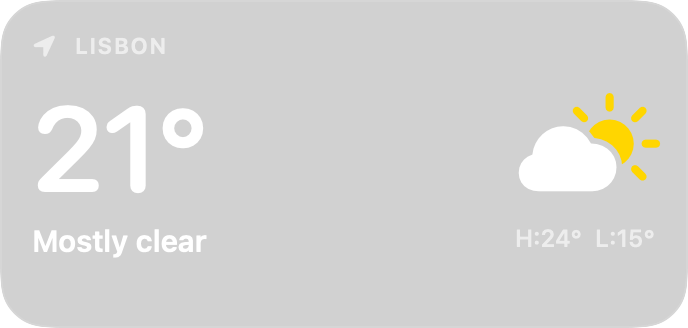
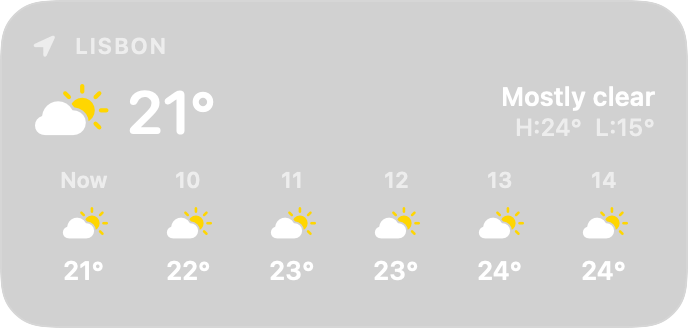
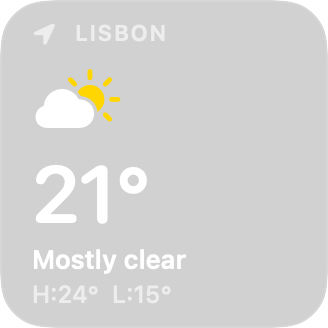
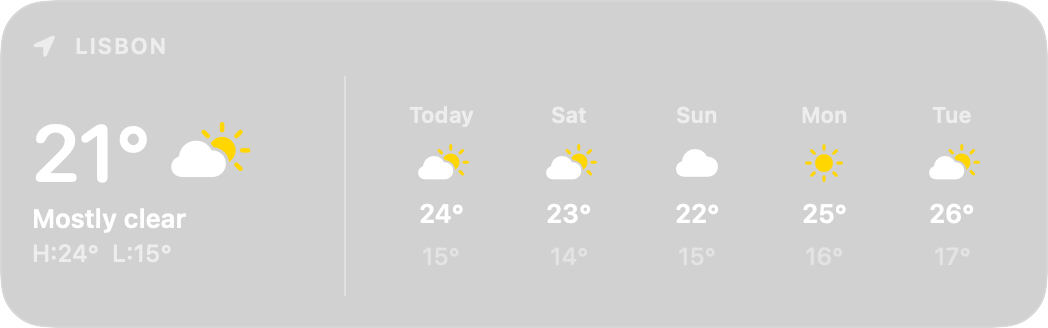
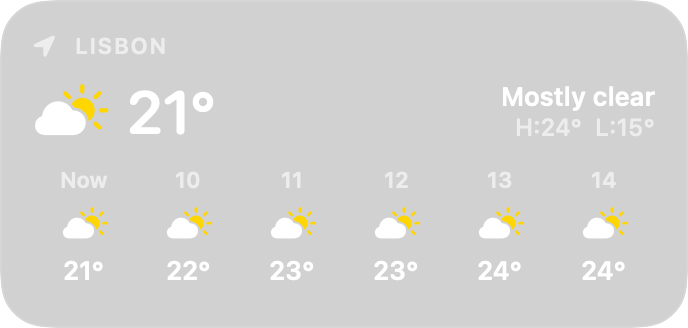
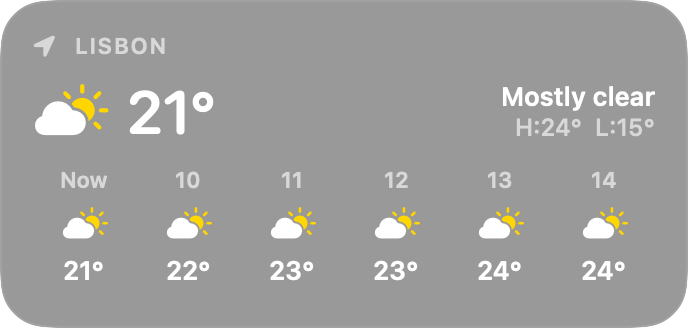
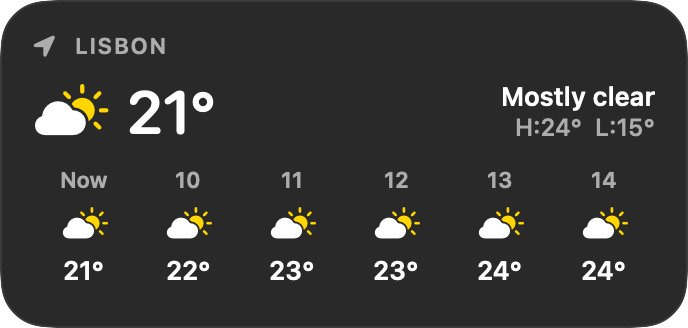
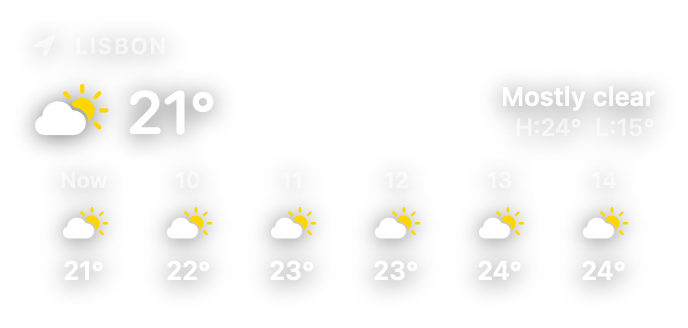
Weather
Now, hourly or five days ahead.
Small · Medium · Wide · Ultra Wide · Large
Notchlight puts live widgets on your Mac's lock screen and turns the notch into a Dynamic Island: the song that's playing with Apple Music's own lyrics, your calls, notifications and more.
brew install --cask victorabuchi/tap/notchlight
Live activities sit beside the notch at its own height, like the iPhone's Dynamic Island, and alerts drop out of it. Pick one on either side to see it beside the notch and open, as it looks when you point at it.
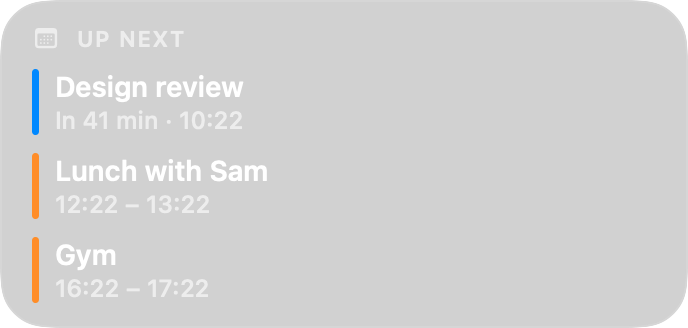
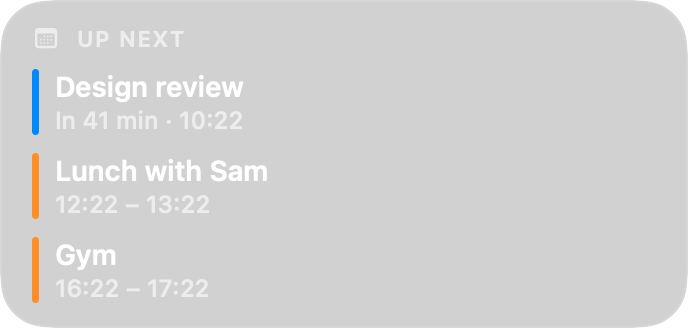
Glance at your Mac without signing in. These are the real widgets, drawn by Notchlight with sample data on the Glass style. Pick a style to see it.
Small · Medium · Wide · Ultra Wide · Large
Now, hourly or five days ahead.
Small · Medium · Wide · Ultra Wide · Large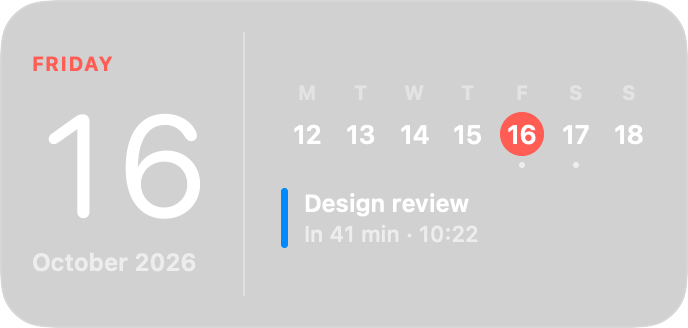
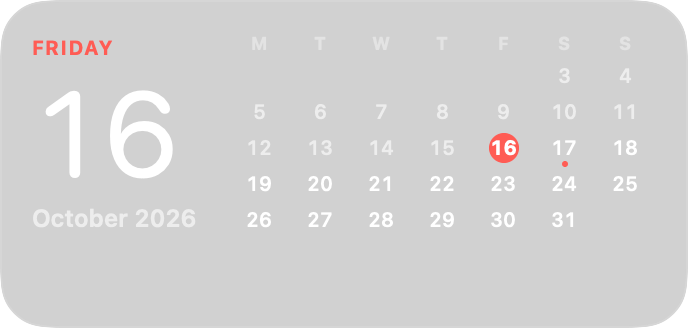
The date, the month, or what's next.
Small · Medium · Wide · Large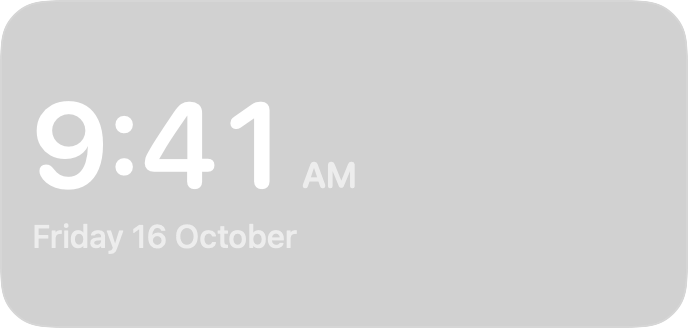
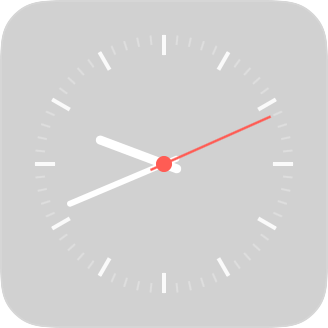
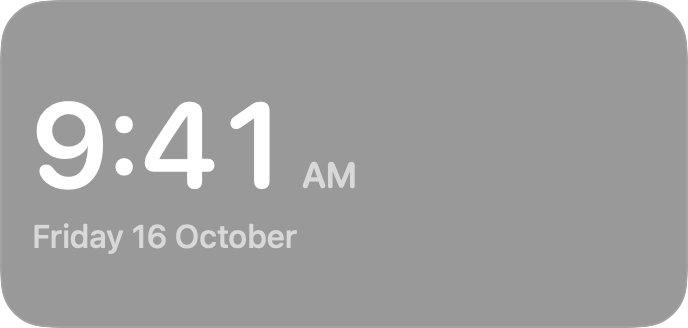
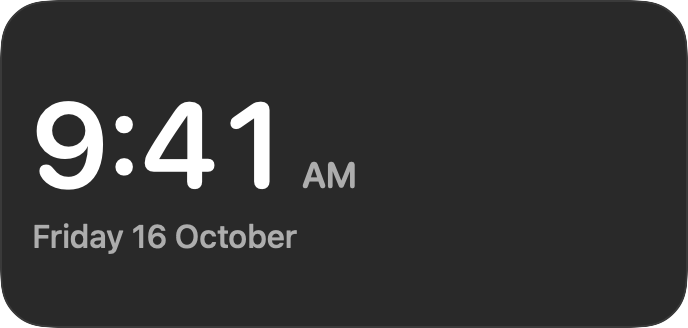
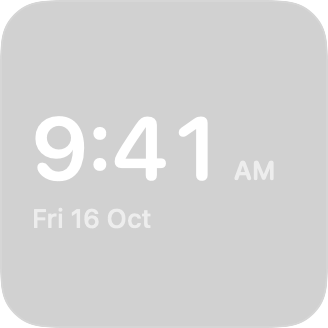
Digital, analog or world time.
Small · Medium · Wide · Ultra Wide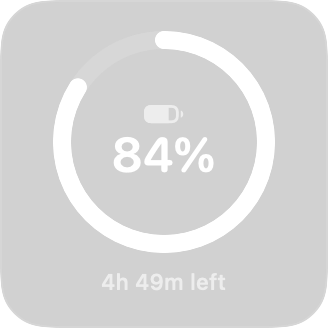
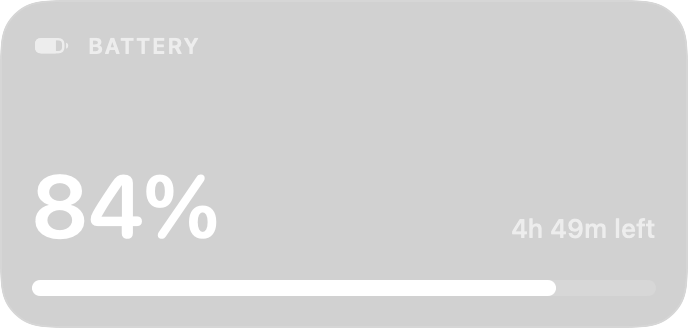
Charge and time left.
Small · Medium · Wide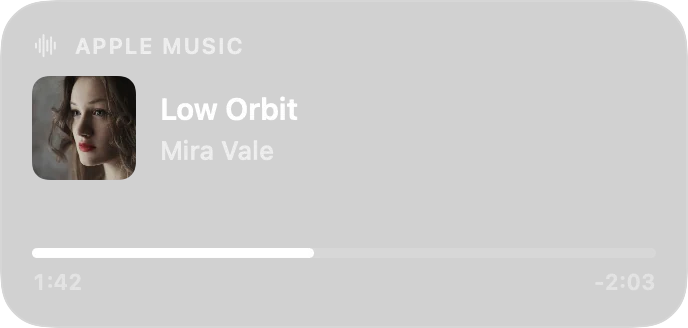
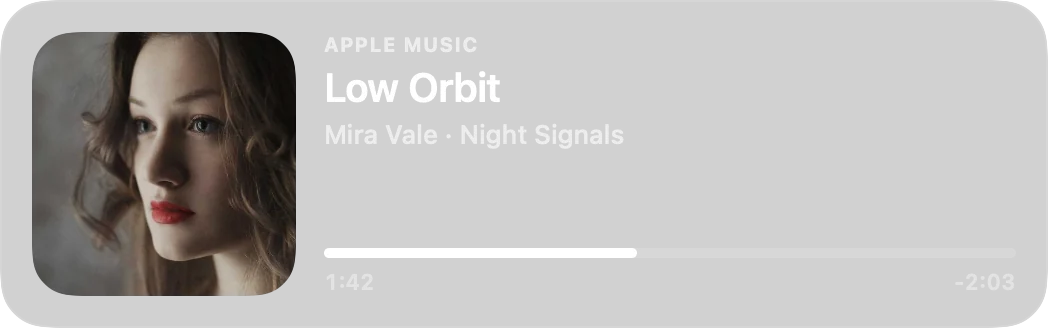
The song in Apple Music or Spotify.
Small · Medium · Wide · Large
The song in a glass card, like iPhone. It appears only while music plays.
Medium · Wide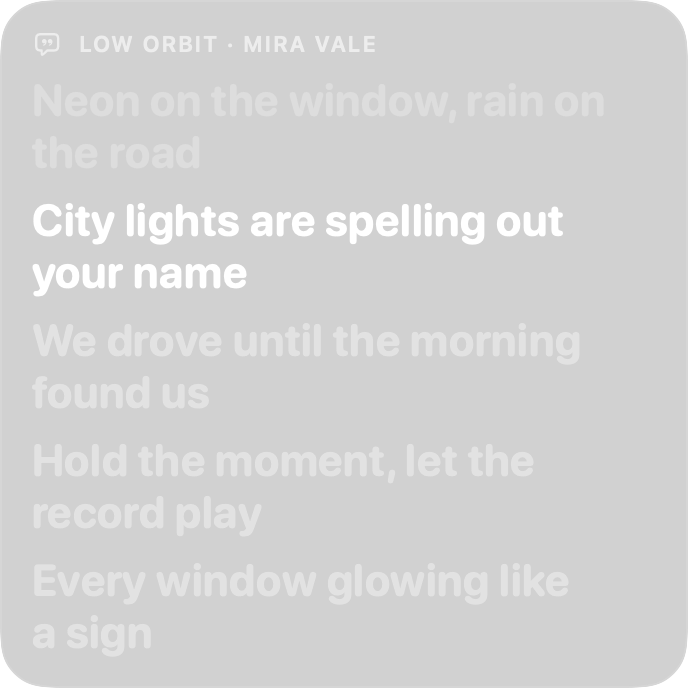
Apple Music's synced lyrics, line by line.
Medium · Wide · Large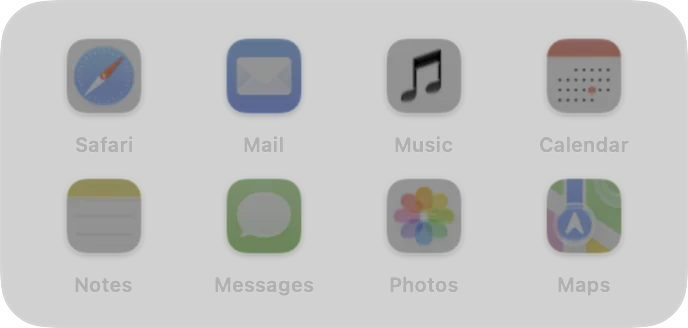
Your apps in a grid, or one or two anywhere you like.
Small · Medium · Wide · Large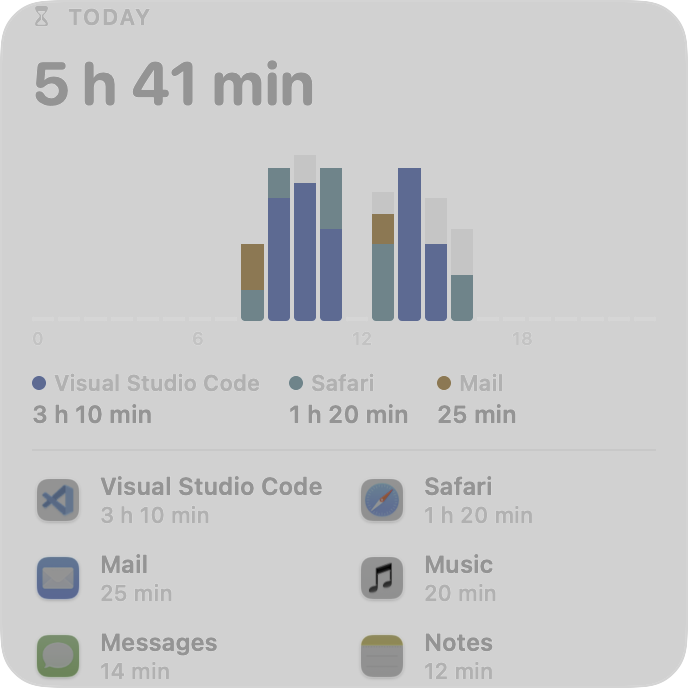
Time in each app today, hour by hour.
Medium · Wide · Large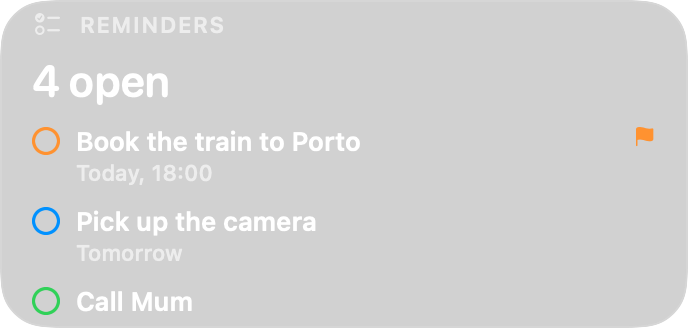
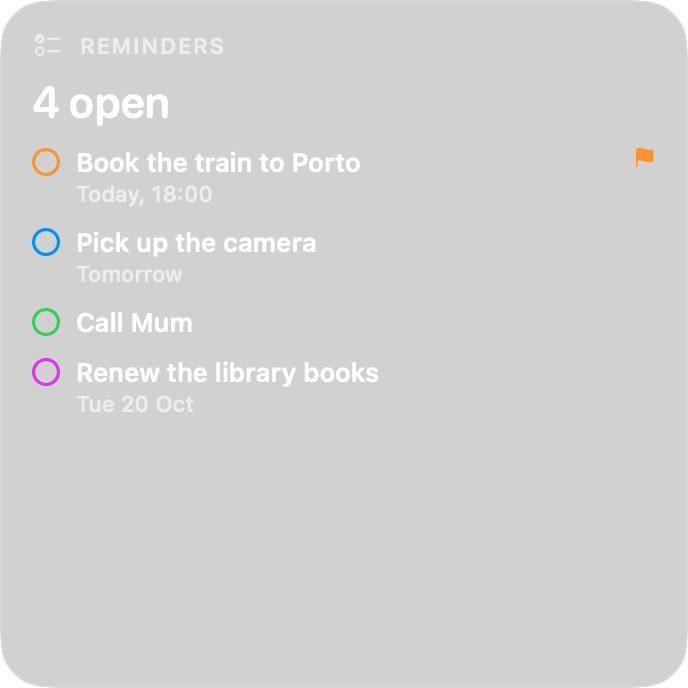
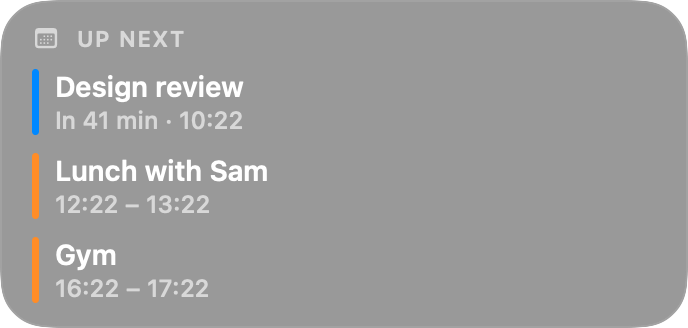
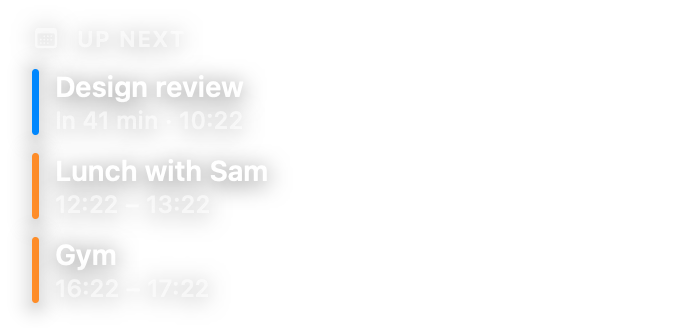
What's still open, soonest first.
Small · Medium · Large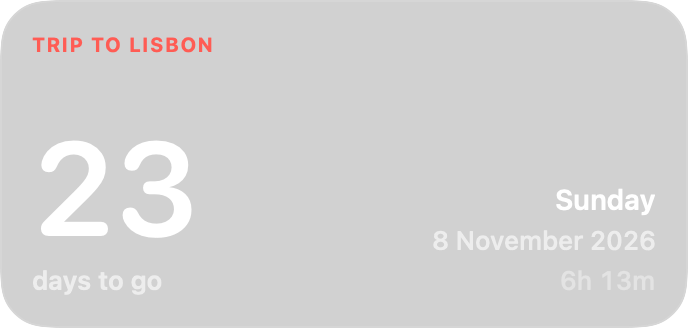
Days until a date you pick.
Small · Medium · Wide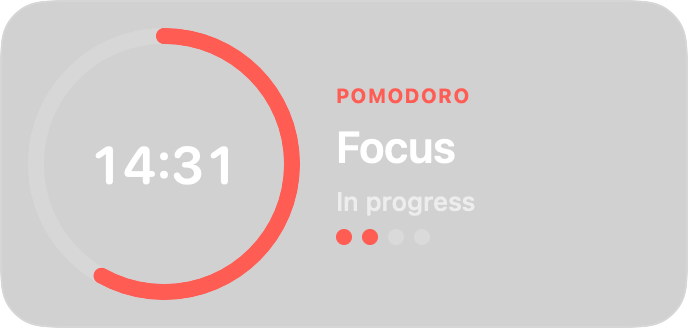
Focus sessions with breaks.
Small · Medium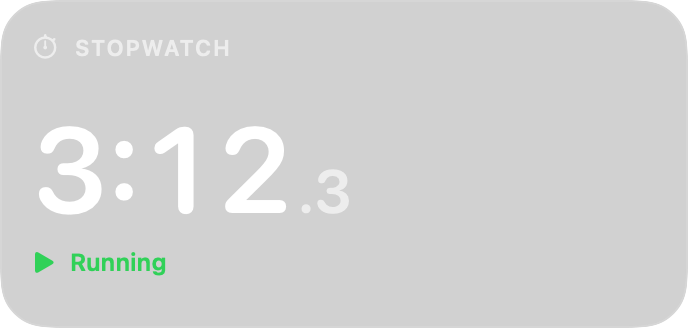
Time anything, from the menu bar.
Small · Medium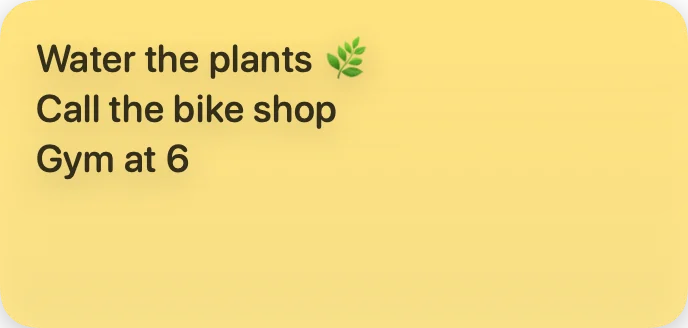
A note in five paper colours, or glass.
Small · Medium · Large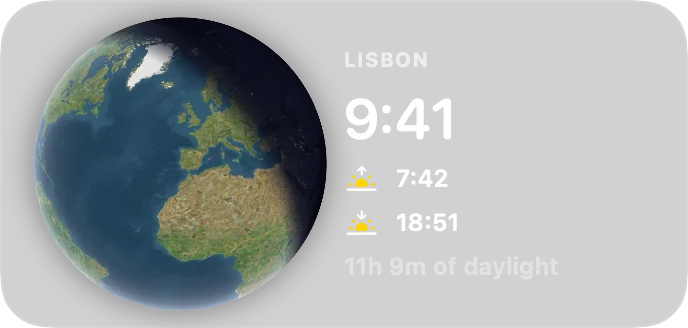
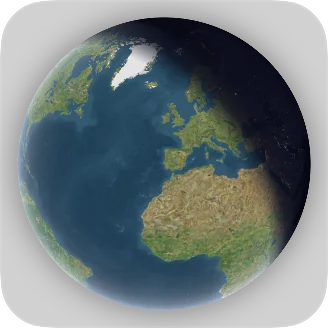
A live globe with day and night.
Small · Medium · Large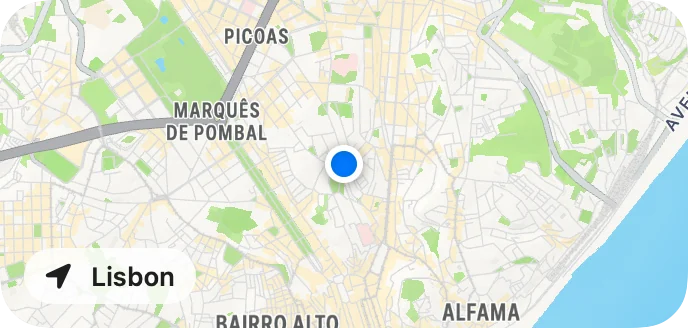
A map of where you are, with the place name.
Small · Medium · Wide · Large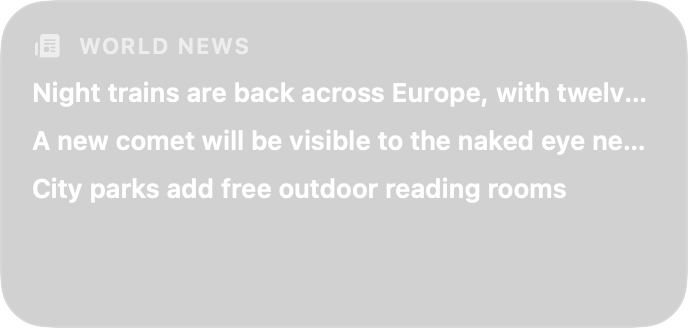
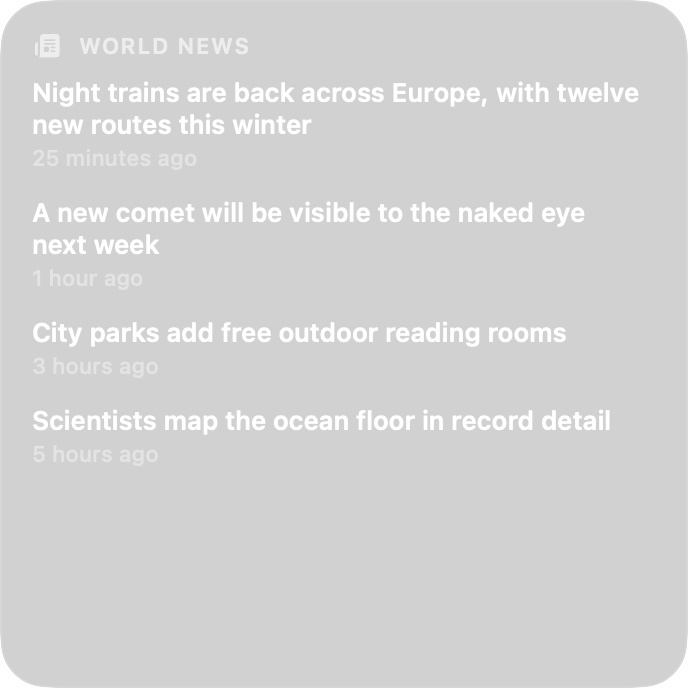
Headlines from any RSS feed.
Medium · Wide · Large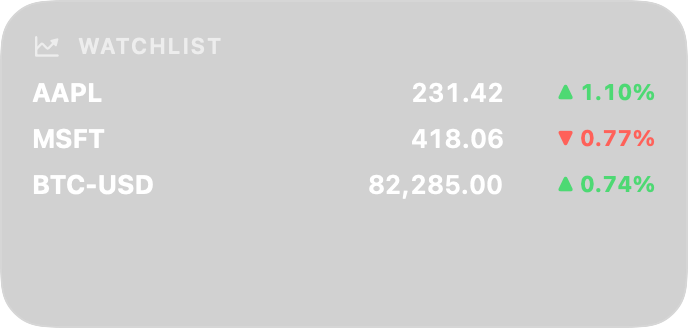
A watchlist, or one stock and its day.
Small · Medium · Wide · Large
Favourites, or any folder.
Small · Medium · Large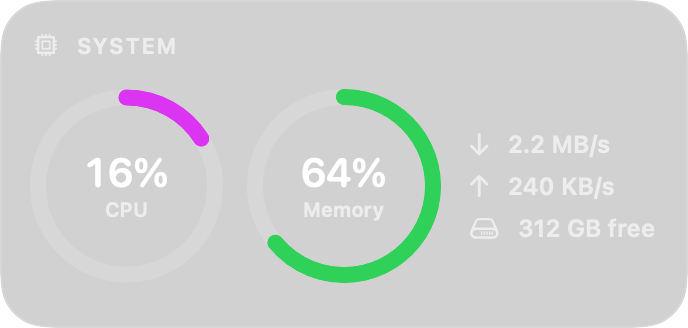
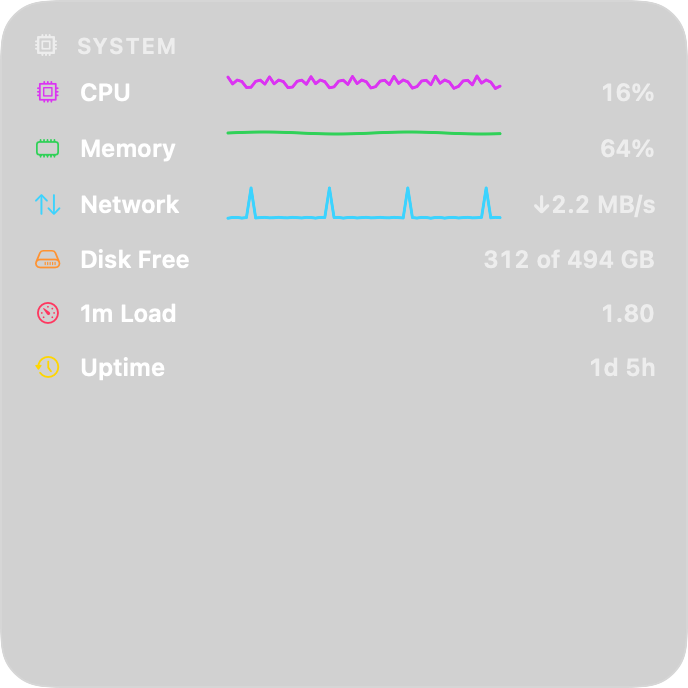
CPU, memory, network and disk.
Small · Medium · Large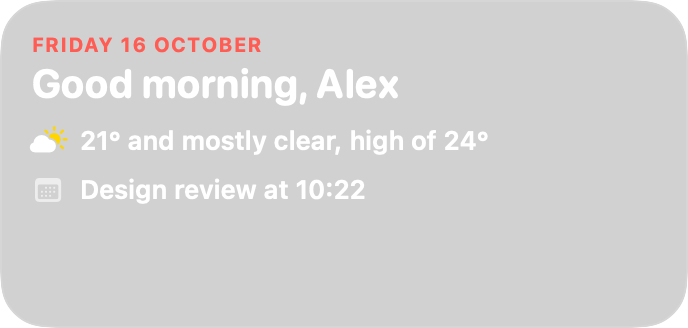
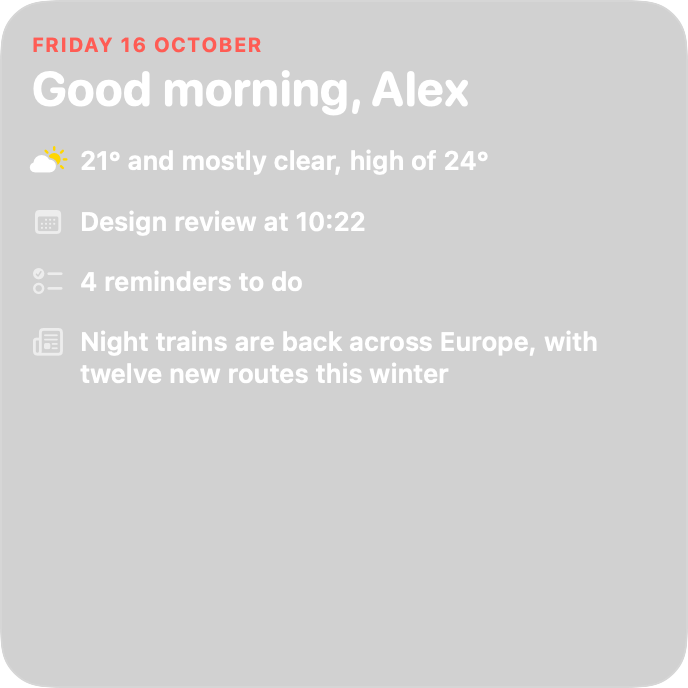
Your morning in one card.
Medium · Wide · LargeLayout Studio is your lock screen in miniature, with the real widgets on it. Add one, drag it into place, change its style or size, and see exactly how your Mac will look when you lock it.
Add a widget. Pick any of the 21 widgets, in the style and size you want, and it lands on your lock screen.
Seven ready-made layouts, from a quiet clock to a full dashboard. Use one as it is, or make it your own in Layout Studio.
A little of everything
Let the music take over
Find your focus
Catch up. Look ahead.
The bigger picture
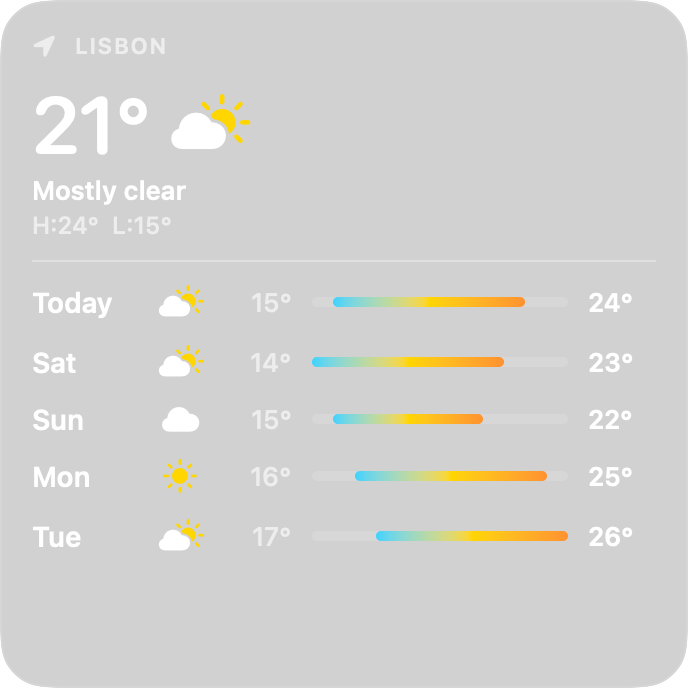
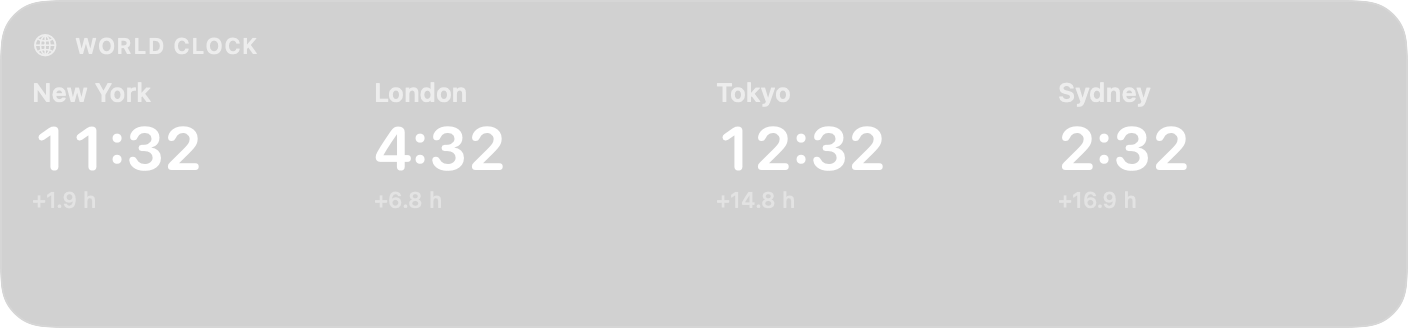
Time and weather wherever you are
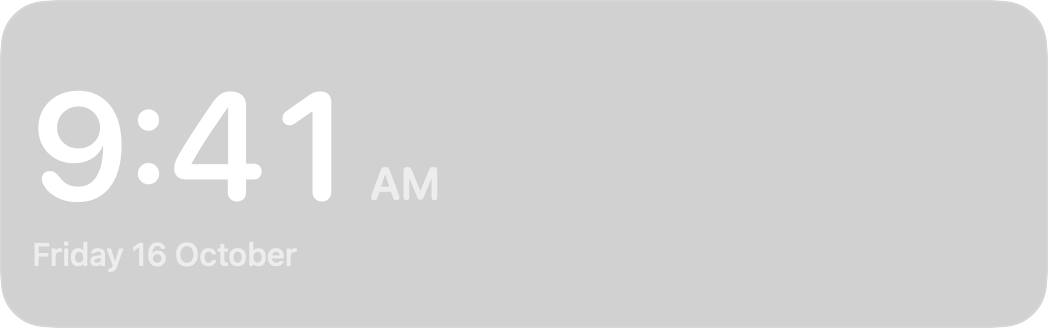
Just the essentials, out of the way
Begin with an empty lock screen in Layout Studio and add any of the 21 widgets, in any size.
See Layout StudioChoose one card style for every widget, from see-through glass to no card at all, and the corner radius you like. Try each style on a few macOS wallpapers.
See-through blur that picks up your wallpaper.
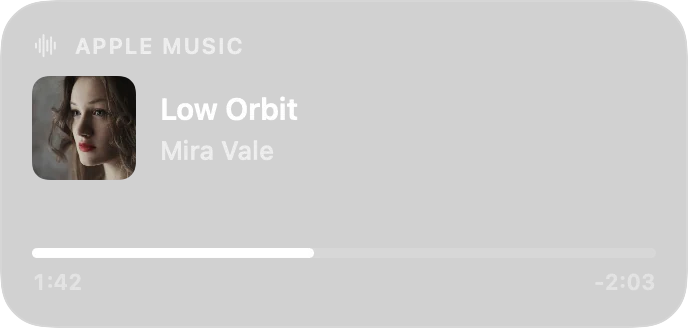
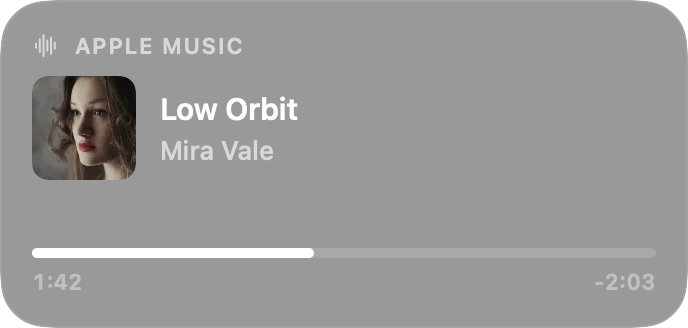
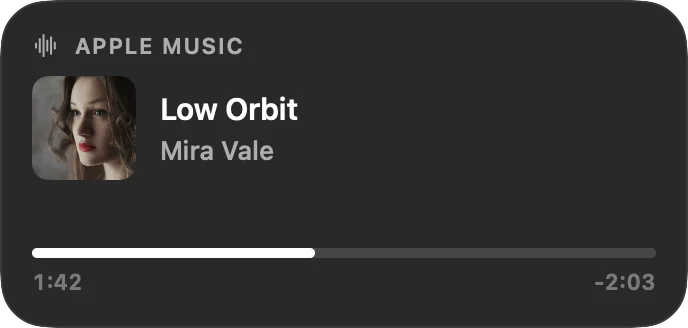
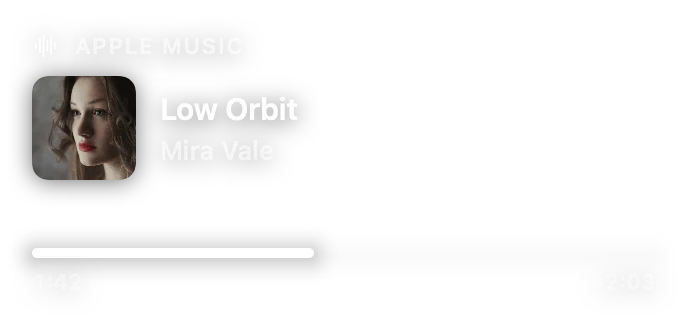
The song that's playing in Apple Music or Spotify shows on the lock screen and in the island. Lyrics come from Apple Music: Notchlight reads the time-synced lyrics Music already downloaded, so every line lands exactly when it does in Music.
 Apple Music
 Spotify
City lights are spelling out your name
We drove until the morning found us
Hold the moment, let the record play
Every window glowing like a sign
No account, no analytics. Weather comes from Open-Meteo, lyrics from Music on your Mac, and notifications are read from macOS's own database without leaving it.
Every release is signed with a Developer ID and scanned by Apple before it reaches you, so it opens like any other app.
Notchlight checks for a new version once a day and asks before installing it. Your Mac only accepts updates signed by Notchlight.
brew install --cask victorabuchi/tap/notchlight
Requires macOS 15 or later. The Dynamic Island is made for MacBooks with a notch; on other Macs it appears only while something is live.
Download for MacMac App Store apps run in Apple's sandbox, which doesn't allow drawing over the lock screen or reading notifications. Notchlight is signed with a Developer ID and notarized by Apple instead, so it installs and opens like any other app.
Apple scans every release for malware before notarizing it, and updates are signed so your Mac only installs ones that come from Notchlight. The source code is on GitHub.
Any Mac with macOS 15 or later. The Dynamic Island is made for MacBooks with a notch; on other Macs it shows up only while something is live.
Yes: the song playing in Spotify shows in the island and on the lock screen, with its artwork and controls. Synced lyrics come from Apple Music only.
Only what your widgets use: Calendar, Reminders, Location for weather, Photos, and Automation to read the song in Music or Spotify. Notifications on the island need Full Disk Access, because macOS keeps them in a protected file. The Setup Guide takes you to each one.
Notchlight looks for a new version once a day and asks before installing it. Choose Check for Updates… in its menu to look now. With Homebrew, brew upgrade works too.
Quit Notchlight from its menu bar icon and drag it from Applications to the Trash. With Homebrew, run brew uninstall --cask notchlight.

 Calendar
 Clock
Clock Battery
 Now Playing
 Music Card
 Live Lyrics
 +
+